



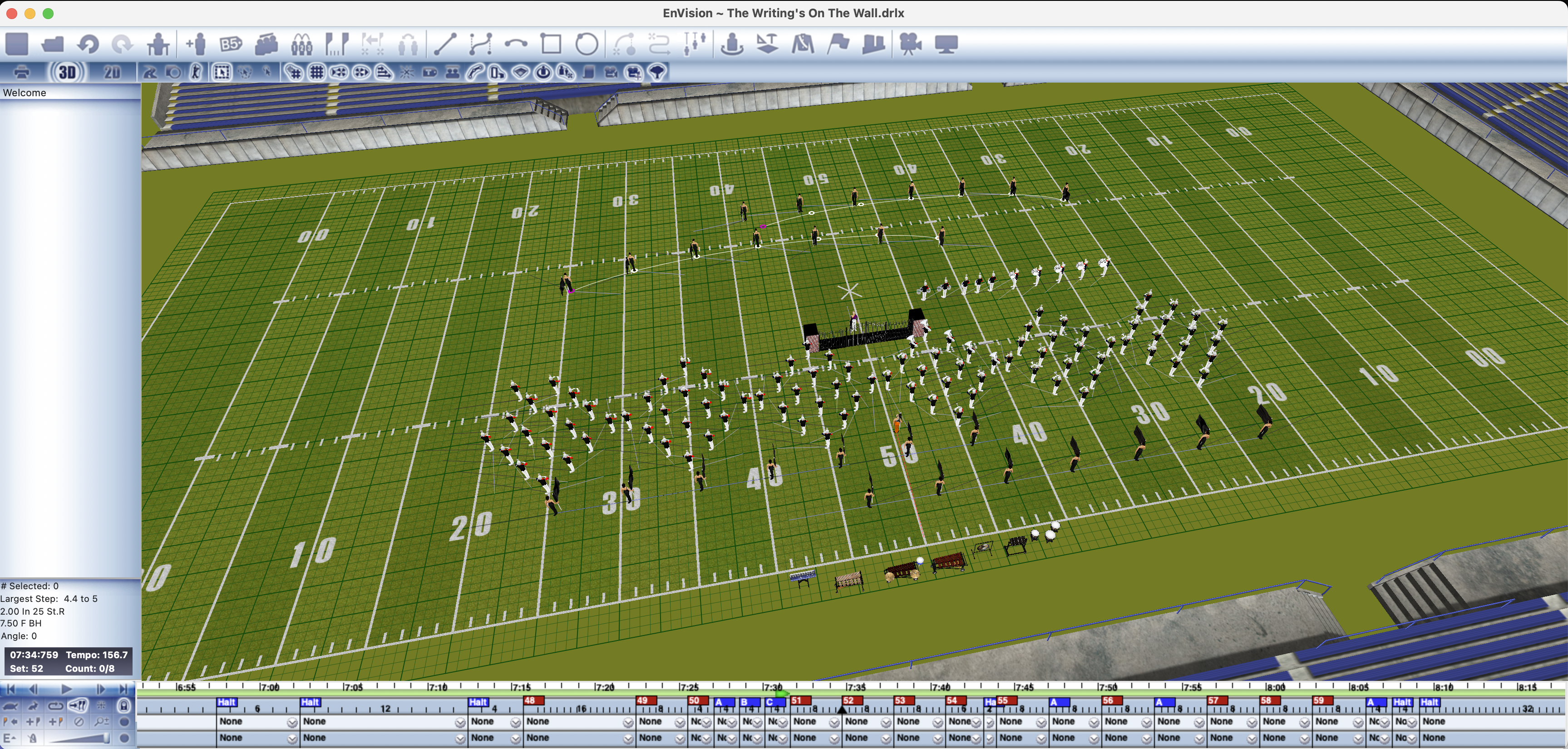
Release Date: March 20, 2026
Version: 2.2.0
Previous Version: v2.1.01
🚀 What's New in EnVision v2.2.0
This release introduces the new .drlx file format, a completely rebuilt music playback system, and significant improvements to music synchronization, printing performance, chart rendering, and overall application stability.
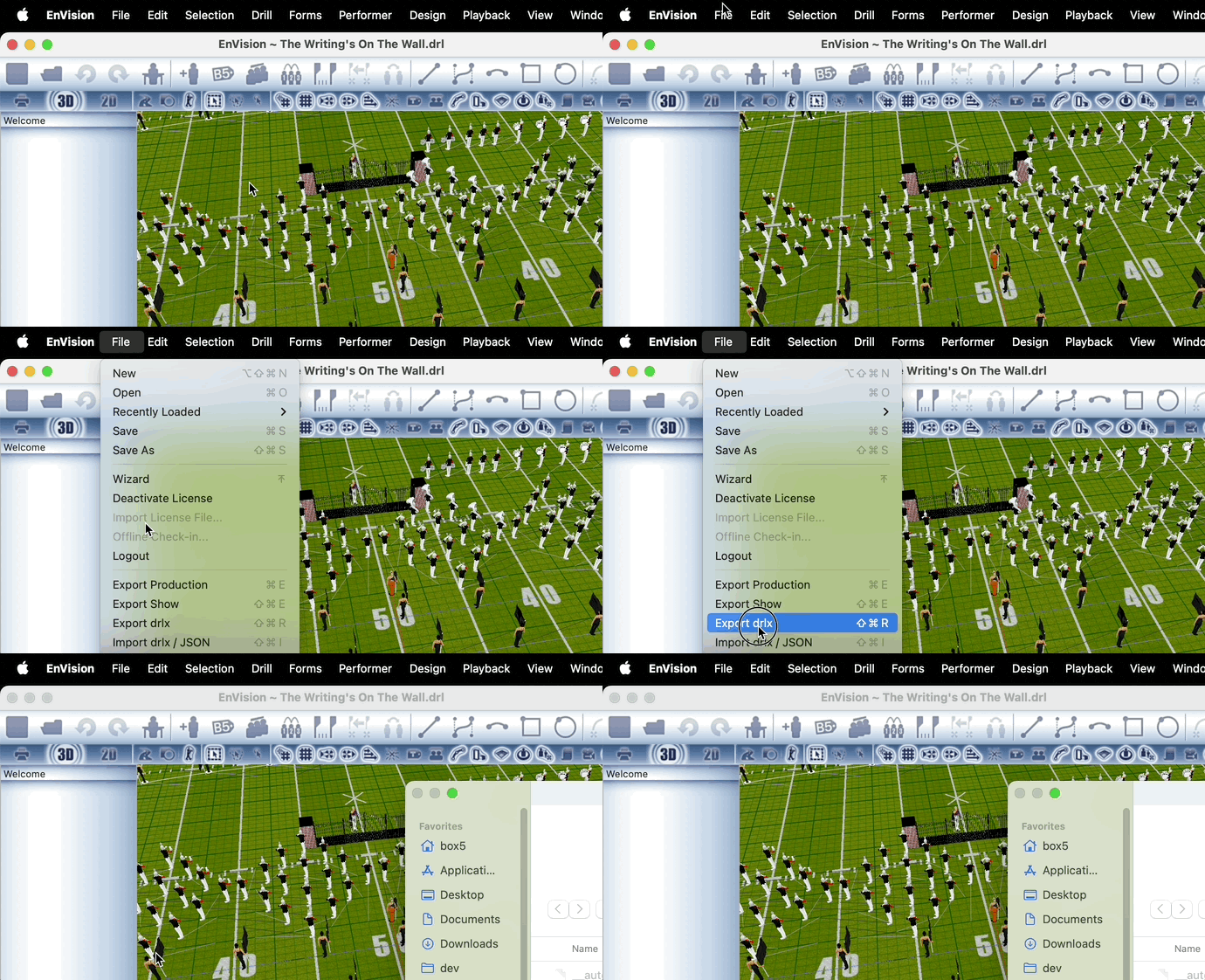
🚀 Introducing the .drlx Format
The new standard for EnVision files. The .drlx format replaces JSON export with a superior, more portable format that works seamlessly across the entire Box5 ecosystem.
Key benefits of the new format:
- Full support for both export and import operations
- Seamless compatibility with Box5 Portal for web-based drill management
- Full support in EnGage mobile app for mobile drill visualizatioi>
- Better error handling and validation for improved data integrity
- Backward compatible - JSON import still supported for existing files
🎵 New Music Playback System
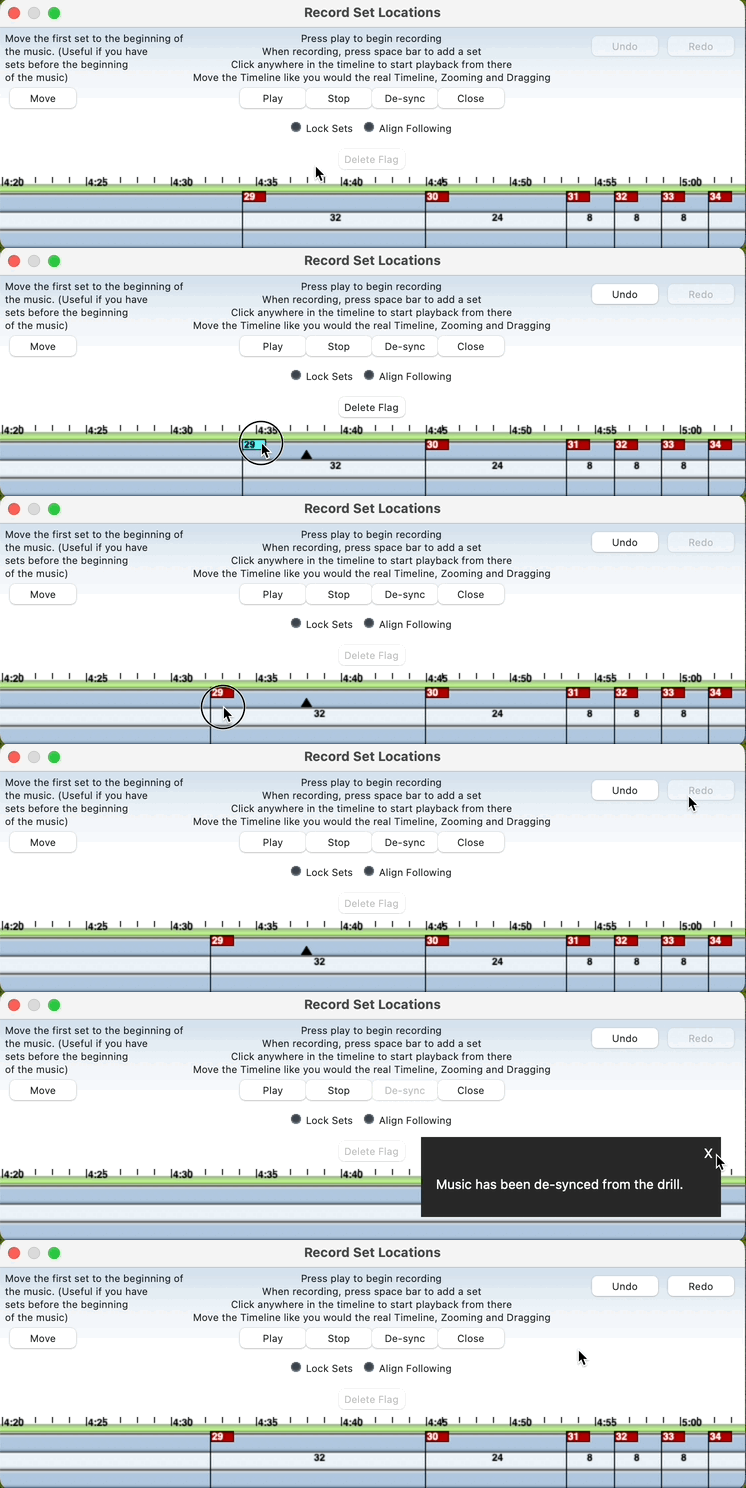
Completely rebuilt from the ground up. The music playback system has been replaced with a modern, reliable engine that eliminates previous limitations and platform dependencies.
- No More Windows Media Player - Removed dependency on the deprecated Windows Media Player 10. Playback now works reliably on all Windows versions.
- High-Bitrate Support - No more playback sync issues with MP3s over 128kbps. Use high-quality music files without compromise.
📊 Chart & Visualization Improvts
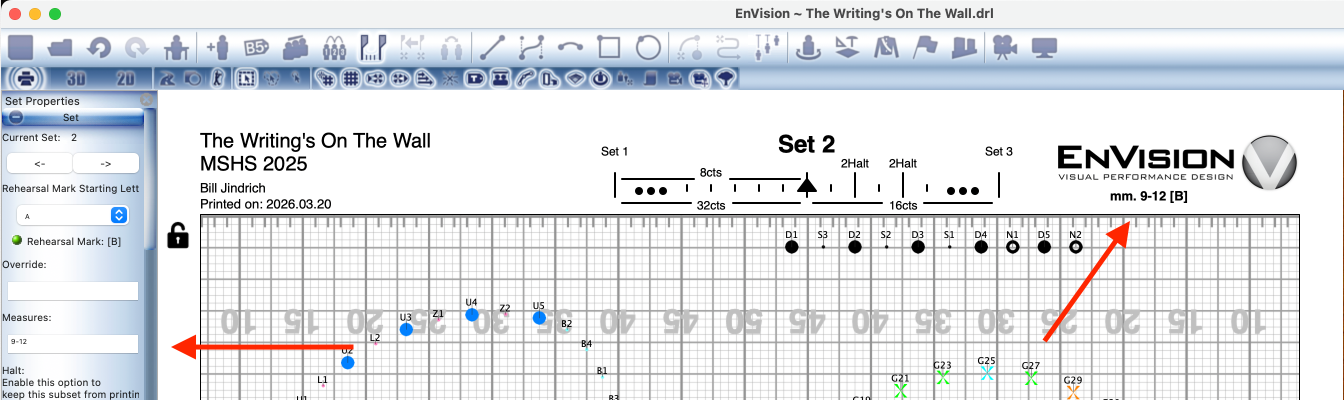
Several enhancements have been made to drill chart rendering:
- Measures on Charts (GL#431) - Added musical measures support to drill charts for better musical reference
- Chart Pictogram WYSIWYG (GL#437) - Improved visual representation of chart pictograms with better accuracy
- Better Title Handling (GL#435) - Improved handling of long metronome marks, rehearsal marks, show titles, and production titles
🎯 Camera & Navigation
- Camera Zoom Enhancement - Zoom now centers on current mouse position for more intuitive navigation
- Automatic Camera (GL#416) - All performers (or just selected performers) are kept in frame during playback. Toggle in toolbar to enable/disable
🔧 Improvements
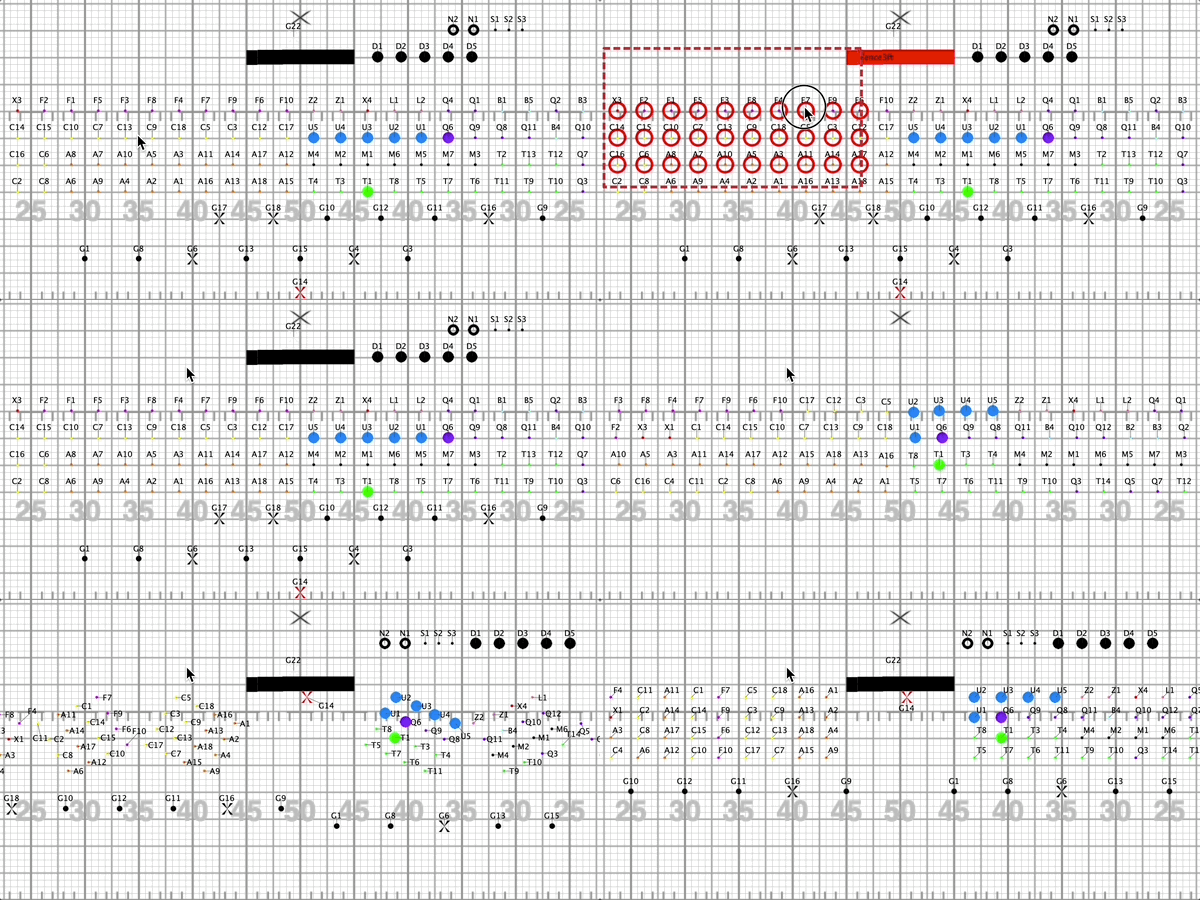
Performance &ndering (GL#239)
- Optimized performer rendering in Print Mode
- Enhanced grid bitmap caching for faster redraws
- Optimized text box and arrow resizing
- Hardware acceleration enhancements for Windows rendering
Printing & PDF
- Cross-Platform PDF Rendering - Unified PDF detection logic across platforms for consistent output
- macOS Print Margins - Account for macOS hidden margins when printing for accurate layout
- Grid Scaling Fixes - Fixed incorrect grid scaling while printing and saving to PDF
- State Preservation - Current set, subset, and count preserved during print operations
Data Integrity & File Management
- Enhanced Error Handling - Better validation and error messages throughout the application
- Safe JSON Utilities - Improved import handling with SafeJson utilities for legacy file support
- File Overwrite Protection - Enhanced checks to prevent accidental data loss
- Recent Files Tracking - Added timestamps for better file management
- Pre-populated Filenames - Export dialogs now suggest appropriate filenames
User Interface
- Release Notes Display - Upgraded to modern web view component for better rendering
- Toast Notifications - New toast notification system for better user feedback
- Font Selection - Improved error handling with fallback to default font when loading fails
- Mouse Wheel Scrolling - Enhanced scrolling behavior in ToolPanel
🐛 Bug Fixes
- GL#354 - Music Playback - Fixed music playback not working on Windows1
- GL#443 - Music Sync Crash - Fixed crash when de-syncing music
- GL#445 - Keyboard Accelerator - Changed keyboard accelerator for toggling forms from Shift+F
- Keyboard Movement - Fixed keyboard movement on drill load
- Moving Subsets - Fixed wrong offset after loading drill for moving subsets
- Cutout Images - Fixed cutout images not loading properly from JSON import
- Music Without Drill - Fixed bug where music would play without drill after load
- Form Import - Fixed forms not importing correctly from JSON
- Prop Textures - Fixed prop textures not being loaded from JSON import
- Field Type - Fixed fieldType not being set correctly when importing JSON
- Font Export - Fixed crash on JSON emit of font data
⚠️ Migration Notes
- All exports now use the new .drlx format for improved portability and compatibility
- JSON import is still supported fmporting existing files
- The .drlx format is fully supported by the Box5 Portal and EnGage mobile app
- Existing .drl files continue to be supported
- Recent files list now includes timestamps for better file management
📊 Statistics
- 175+ Total Commits
- 15+ Features Added
- 12 Bugs Fixed
- 8 Performance Improvements
- 10+ Documentation Updates
Contributors: William Lee, Bill Jindrich
EnVision Visual Performance Design | © 2026 Box5 Software | box5software.com